


Long screen sessions create a movement problem, not just a chair problem: your neck, shoulders, wrists, spine, hips and legs stay in one limited position while work, calls and commuting continue. By the end, you will have a practical workday routine, a workstation-adjustment checklist and clear rules for choosing movement, equipment or professional assessment.
Key takeaways
- Schedule brief movement pauses around meetings and focused work.
- Change positions often instead of chasing one perfect sitting posture.
- Use gentle movements for your neck, shoulders, spine, hips and wrists.
- Seek an assessment when pain persists, spreads, or limits daily activity.
Build a Workday Movement Routine Around Your Actual Schedule
Plan movement as small appointments across the day, not as compensation for eight motionless hours. Frequent short pauses reduce static loading and fatigue more effectively than relying on one demanding lunch-time workout. That is the foundation of DeskWorkerHealth and practical ErgonomicPhysicalCare.
- Before work: spend 5–10 minutes walking and moving gently, especially after sleep or a long Pune commute. Treat this as preparation, not a fitness test.
- During screen work: every 30–60 minutes, stand for 2–5 minutes. Walk to refill water, use the printer, or pace during an audio call instead of scrolling through the break.
- Between meetings: take one minute to stand, relax your shoulders, move your neck comfortably, and shift your weight. Add a longer walk before lunch rather than waiting for the evening.
- At lunch: leave the desk and walk for 10–15 minutes. If your schedule is packed, divide that walk into two shorter trips.
- After work: use a 20–30-minute walk or planned exercise session to build capacity, not to erase the day’s immobility.
Set calendar reminders, pair movement with recurring tasks, and use the commute as a walking opportunity when practical. The 20-20-20 rule can reduce visual strain, but looking away from the screen does not move your spine, hips, or legs.
If a movement increases symptoms, reduce its range or duration; do not respond by becoming completely inactive. A chair cannot offset uninterrupted screen time, phone use, workload, poor sleep, or low daily activity.
Set Up the Desk for Position Changes, Not a Rigid Perfect Pose
Set the workstation so you can change position without losing support. WorkplacePosture is not a perfect pose to hold all day; it is the ability to sit, stand, reach and reset without forcing your neck, back or wrists.
- Chair: adjust the height so your feet rest flat and your knees sit near hip level. Keep your back supported, but do not lock yourself against the backrest.
- Desk: set the surface so your shoulders stay relaxed and your elbows remain close to your sides at roughly 90 degrees. If the desk is too high, raise the chair and use a footrest.
- Screen: place the monitor 20–40 inches away, with its top at or slightly below eye level. Keep your head from drifting forward to read.
- Keyboard: position it close enough for relaxed shoulders and nearly neutral wrists. Do not raise it or press your wrists against a hard desk edge.
- Mouse: keep it beside the keyboard, not far forward or sideways. Move from the arm rather than reaching repeatedly from the shoulder.
- Laptop: for long sessions, use a separate keyboard and mouse so you can raise the screen without lifting your hands.
- Feet: support both feet on the floor or a stable footrest; avoid sitting on one leg for prolonged periods.
ErgonomicPhysicalCare also covers uninterrupted screen time, phone use, commuting, sleep, activity and workload. Alternate sitting and standing instead of standing continuously; looking away from the screen helps your eyes, but it does not replace movement for your neck, trunk, hips or legs.
Use a Short Movement Menu for Every Major Desk-Loaded Area
Use a short menu for each area rather than forcing one long stretch. During screen use, perform one or two movements every 30–60 minutes, changing position between rounds. Looking away under the 20-20-20 rule helps visual strain, but it does not replace musculoskeletal movement for DeskWorkerHealth or WorkplacePosture.
| Area | Movement | Dose |
|---|---|---|
| Neck | Chin nods, then slow left-right turns | 5 repetitions each |
| Thoracic spine | Sit tall, hands behind head, gently extend over the chair back | 5 repetitions |
| Shoulders | Shoulder rolls and relaxed shoulder-blade squeezes | 8 repetitions each |
| Wrists | Open-close the hands, then make small wrist circles | 10 repetitions each direction |
| Hips | Seated figure-four stretch or standing hip-flexor stretch | 20 seconds per side |
| Knees | Seated knee extensions, lifting one foot at a time | 10 repetitions per side |
| Ankles | Ankle pumps, followed by slow calf raises | 15 repetitions each |
Keep the wrists close to neutral while typing and mousing; do not raise the keyboard or press the wrist against a hard desk edge. Move gently, breathe normally, and stay within a comfortable range. Stop if pain becomes sharp, spreads, or escalates, or if you develop weakness, numbness, dizziness, or loss of balance.
Seek medical assessment urgently for new bladder or bowel-control loss, saddle-area numbness, fever, major trauma, or unexplained illness.
Compare Breaks, Equipment, Exercise and Hands-On Relief Honestly
A movement break is the best first response to stiffness from sitting: stand, walk, or change position for a few minutes. It supports ErgonomicPhysicalCare more reliably than waiting for one long workout after work.
| Option | What it does | When it applies |
|---|---|---|
| Movement break | Reduces static loading through brief walking or standing | Use during long screen blocks, even when you feel fine |
| Stretch | Addresses a specific feeling of tightness | Use gently for neck, chest, hips, or calves; stop before sharp pain |
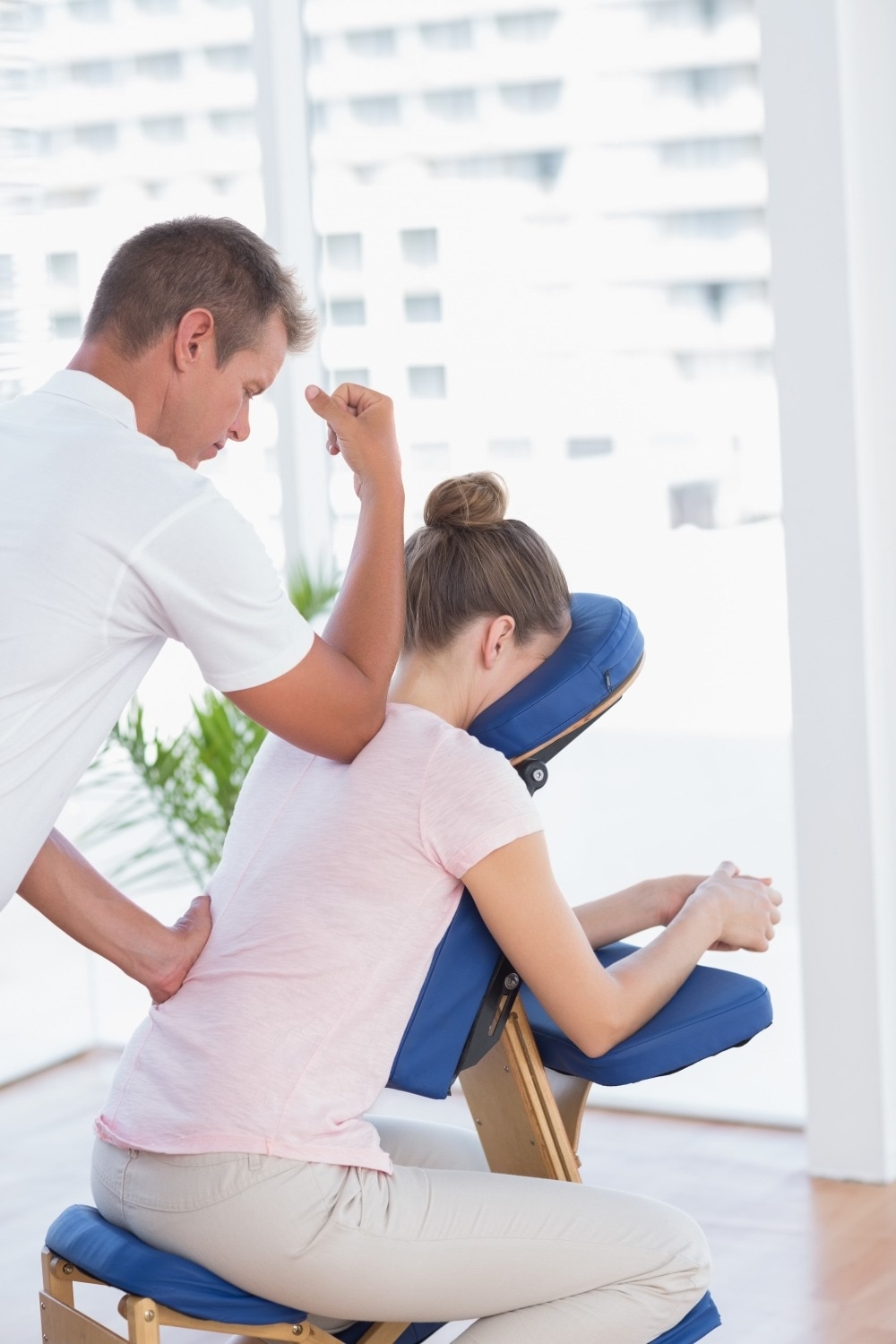
| Massage | Provides short-term relief from sore, tense tissue | Choose it for comfort, not to correct weakness or workstation habits |
| Ergonomic product | Changes the physical setup | Buy it when a measured desk, chair, keyboard, or screen problem persists |
| General workout | Builds strength, endurance, and overall capacity | Use consistently outside work; modify exercises that increase symptoms |
Looking away for 20 seconds every 20 minutes helps your eyes, but it does not move your spine, shoulders, hips, or legs. DeskWorkerHealth suffers when the 20-20-20 rule becomes the entire break strategy.
- Stretching forcefully because “no pain, no gain” can increase irritation.
- Buying a standing desk and remaining still for hours simply changes the posture.
- Using massage to chase recurring pain without changing workload or movement.
- Saving all activity for one evening session while sitting continuously all day.
- Treating soreness after exercise as proof that the workout is effective.
Know When Self-Directed Movement Is Enough—and When to Get Assessed
If discomfort is mild, stable, and improves during the same day, modify rather than abandon movement: reduce repetitions, shorten holds, change the aggravating exercise, and keep walking or changing position. WorkplacePosture is a moving target; a chair adjustment cannot offset hours without movement.
Track whether symptoms trend better across one to two weeks, not whether every exercise feels perfect.
- Seek medical evaluation promptly for new or worsening weakness, spreading loss of sensation, saddle-area numbness, or loss of bladder or bowel control.
- Seek prompt care after major trauma, or with fever, unexplained weight loss, or another unexplained systemic illness.
- Book an assessment when pain keeps returning, disrupts sleep or work, progressively limits movement, or fails to improve after a sensible routine change.
Individualized exercise-based care fits the middle ground: symptoms persist or change, but no emergency sign requires urgent evaluation.
A clinician should examine movement, strength, nerve signs, workload, commuting, sleep, and activity, then scale exercise to your response rather than apply “no pain, no gain.” During an inflammatory arthritis flare or an acutely swollen joint, reduce load and ask how to adapt exercise. That is ErgonomicPhysicalCare and DeskWorkerHealth in practice.
Pro Active Clinic can help when you need assessment-led progression for posture or movement limitations rather than another generic desk routine.
Related service
Musculoskeletal and Postural Care At Pro Active Clinic, we support people living with common physical ailments such as neck, back, knee and shoulder pain, slip disc, carpal tunnel... View service → |
Frequently asked questions
How often should desk workers take movement breaks?
Plan brief movement pauses throughout the workday around meetings, focused tasks and natural transitions instead of relying on one long lunch-time workout.
What is the best posture for desk work?
Use a desk setup that allows regular position changes. Adjust your chair, screen, keyboard and foot support, then avoid holding any posture for too long.
Which areas need movement after prolonged desk work?
Include gentle movements for the neck, shoulders, upper and lower back, hips, wrists and hands to address areas loaded by sitting and computer use.
When should desk workers get assessed instead of exercising alone?
Get assessed when pain persists, worsens, spreads into an arm or leg, causes weakness or numbness, follows an injury, or interferes with work and daily activities.